

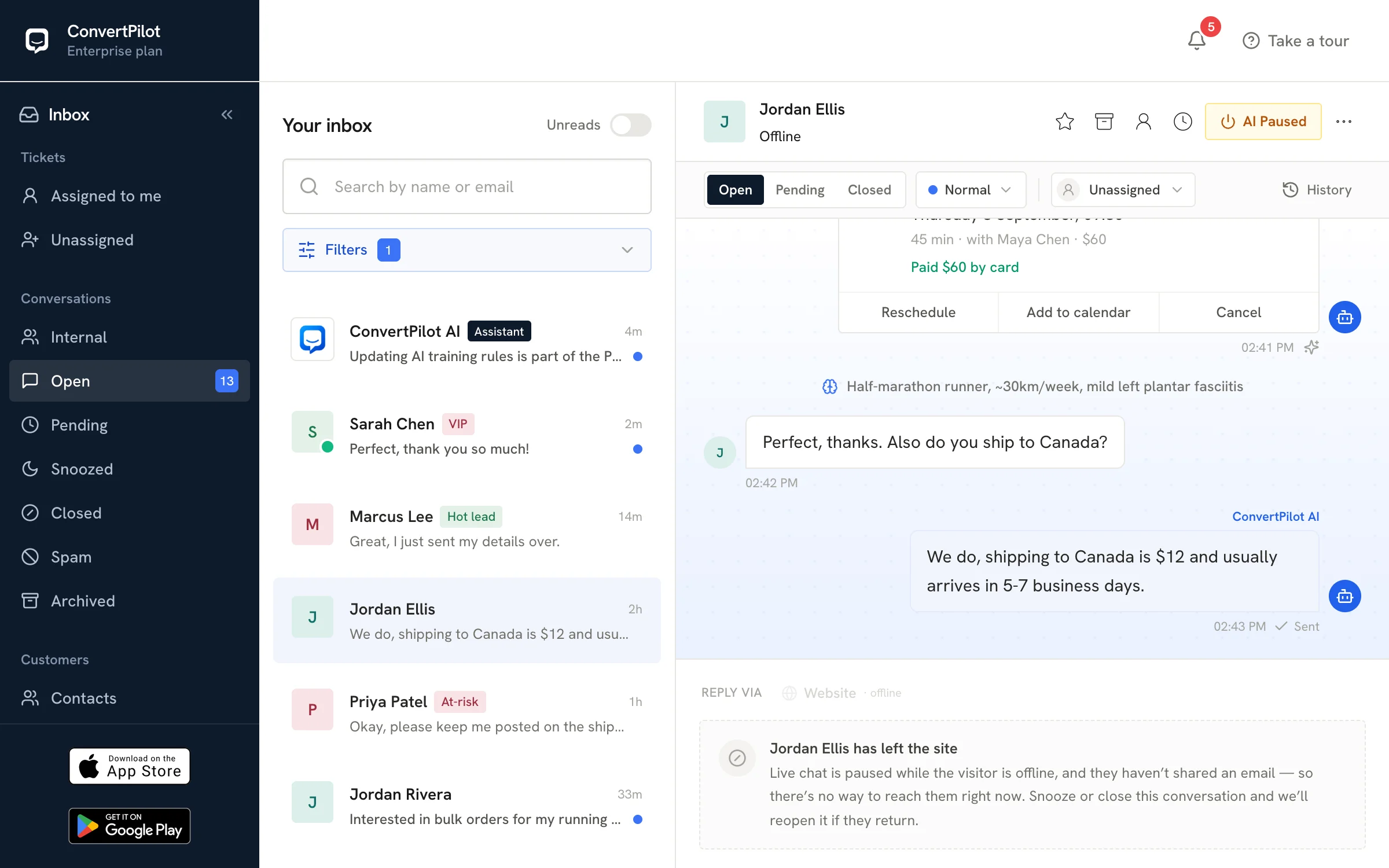












The same delivery question arrives in website chat, then another customer asks it on Instagram. Customer service automation starts with deciding which questions the agent can answer, which channel it should answer on, and who takes over when the request needs judgement. In ConvertPilot, you can set AI replies and a default assignee separately for each channel. Start with one channel, give exceptions a named owner, and check the conversations before expanding.
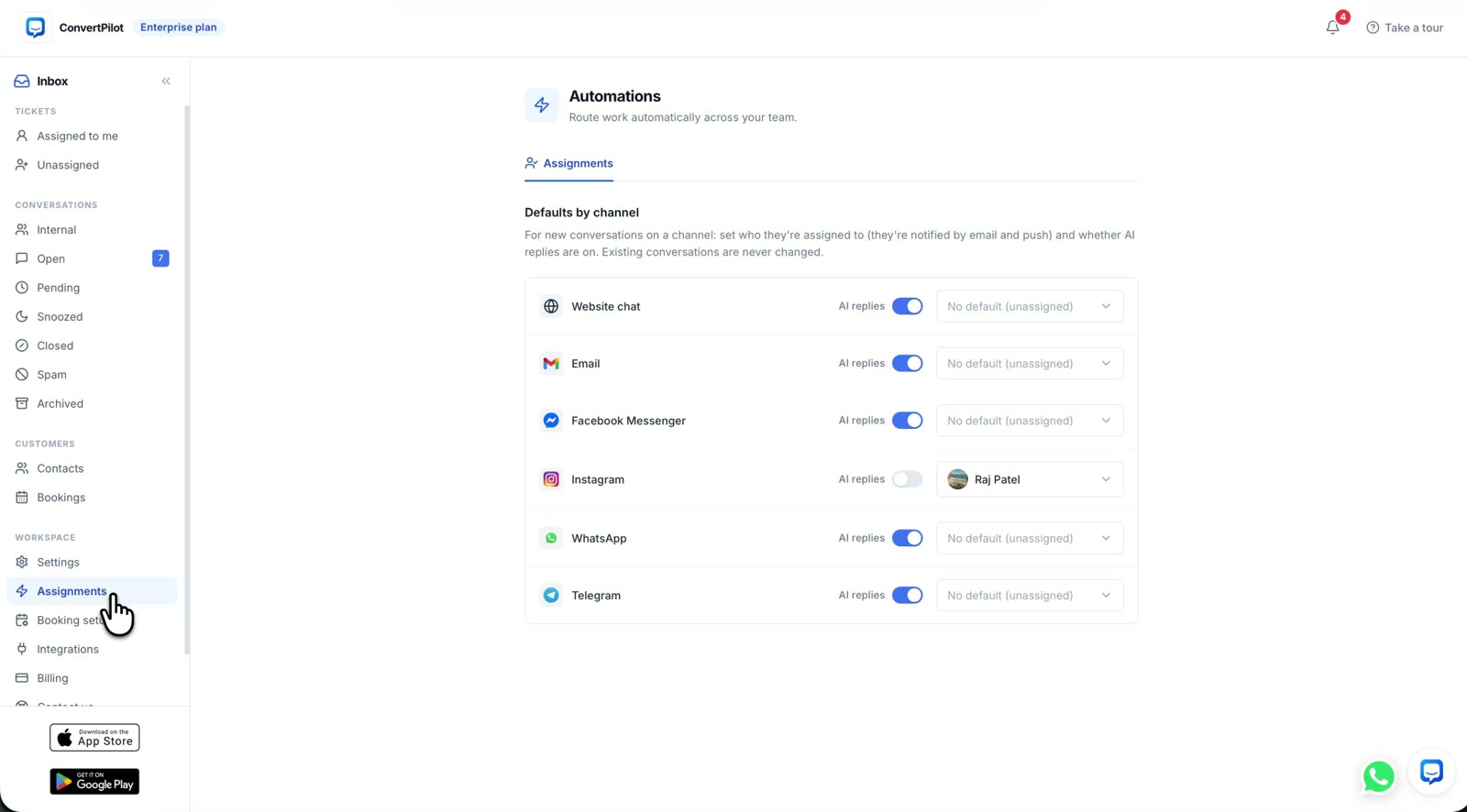
The Automations screen above shows that choice in the demo workspace: Website chat has AI replies enabled, while Instagram has AI replies disabled and Raj Patel assigned. These are settings you can use together to introduce automated support at a pace your team can manage. Each channel can have its own tone, too.
Choose your first customer service automation
Customer service automation uses software to answer or route routine support requests. For a small store, the useful starting point is a recurring question with a reliable source: an order status, a delivery policy or a product detail. Choose a question your team already answers consistently, then write down what should happen when the source cannot answer it.
Read a recent batch of conversations and group them by the decision the customer needs. An order lookup and a request to change a delivery address may appear in the same thread, but they need different treatment. The first reads information; the second can require someone to decide whether a change is still possible.
| Customer request | Source for the answer | When a person takes over |
|---|---|---|
| Where is my order? | Connected order fulfilment state and tracking details | The order cannot be found or the customer disputes delivery |
| How long do I have to return this? | Your current published returns policy | The customer asks for an exception or a refund decision |
| Does this product come in my size? | Current catalogue and your sizing guidance | The available information does not settle the question |
ConvertPilot can read recent orders and catalogue information through its Shopify integration. For policy questions, prepare the exact answers and facts using the agent training checklist. Keep this first workflow narrow enough that a teammate can recognise a wrong answer quickly.
Set defaults for new conversations
Open Assignments in the console sidebar. The Automations page shows Defaults by channel, where you choose whether AI replies are on and who receives new conversations. In the demo, Website chat, Email, Messenger, WhatsApp and Telegram have AI enabled; Instagram is assigned to Raj Patel with AI disabled.
Those choices apply to new conversations. Existing conversations are never changed by the channel defaults, so review any already-open threads separately. This matters when you introduce automation during a busy day: switching a default does not hand every conversation in your backlog to the agent.
- Choose the first channel your team will review, such as Website chat.
- Set the default assignee who will own new conversations and receive email and push notifications.
- Choose whether AI replies should be enabled for new conversations on that channel.
- Set a tone appropriate to the channel, then check a new conversation against your intended behaviour.
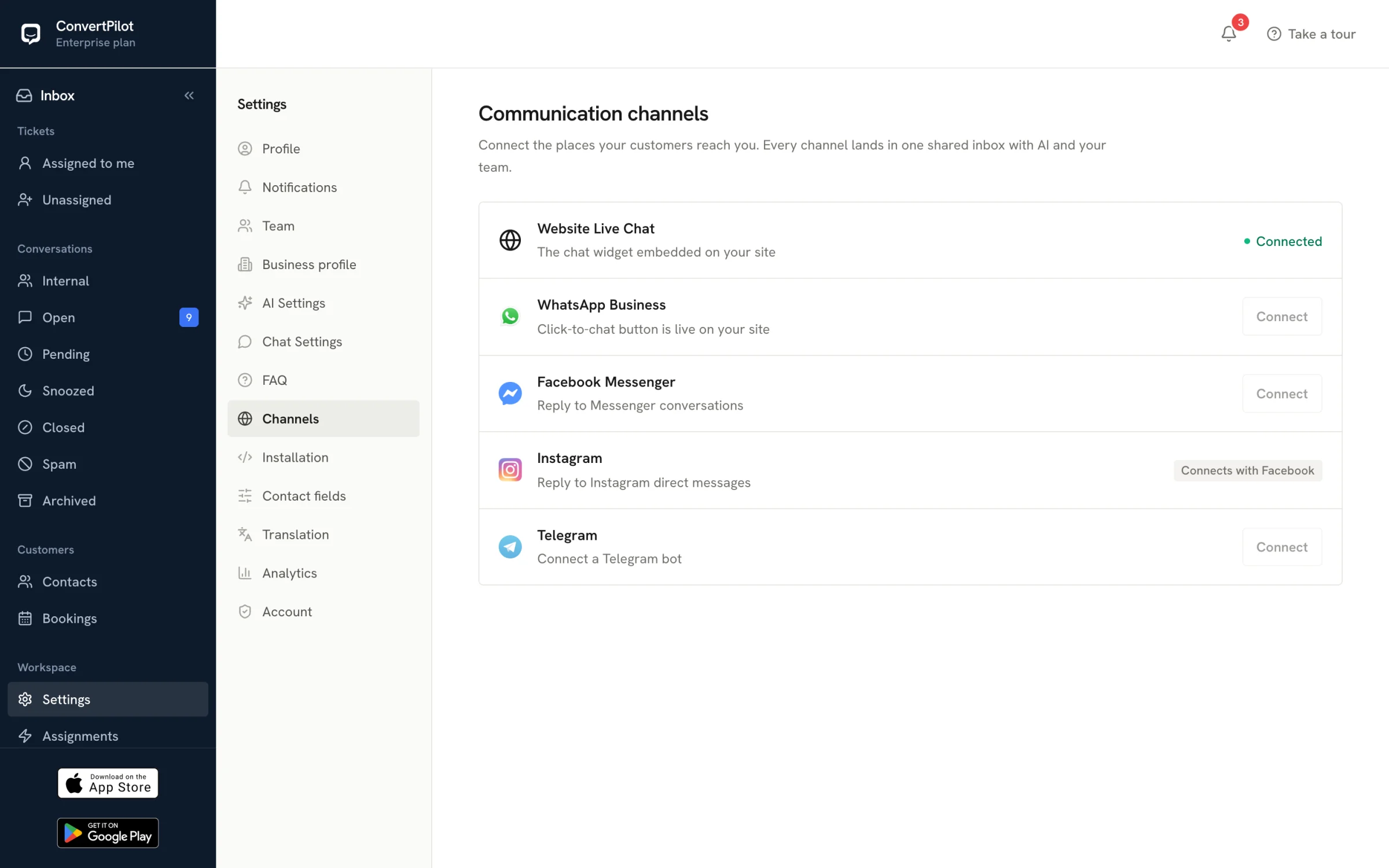
Use the channel guide to confirm which connections your plan includes. You can keep another channel under direct team control while you learn from the first one. A short Instagram reply and a complete email answer can follow the same policy with different presentation.
Give exceptions a clear owner
An automated answer still needs a route to a person. Decide who checks requests for exceptions, unresolved order problems and customers asking to speak with your team. The agent pauses when a teammate joins, and you can switch AI off for an individual conversation. The conversation history stays in the inbox for the person taking over.
Set your Online hours and away message to match the hours people actually work. Outside those hours, the widget shows the away message and the agent continues answering what it can. Tell customers when a person will return rather than implying that a teammate is available all night.
Use assignment, priority and the open, pending or snoozed status to make the next action clear. A customer waiting for a warehouse answer should have someone responsible for following up. Read the human handoff walkthrough with that person before launching the workflow.
Budget for replies before adding channels
Count AI replies as well as conversations when choosing a plan. A single customer can need several answers. The following ConvertPilot plan limits are in US dollars, billed monthly, checked on 24 November 2026. Paid AI allowances run over 30 days.
| Plan | Monthly price | Included usage | Team seats |
|---|---|---|---|
| Free | USD 0 | First 50 customer messages, lifetime | 5 |
| Plus | USD 8.99 | 250 AI replies per 30 days | 10 |
| Premium | USD 17.99 | 1,000 AI replies per 30 days | 20 |
| Enterprise | USD 59.99 | 2,000 AI replies per 30 days | 35 |
For an illustrative budget, 80 conversations requiring three AI replies each would use 240 replies. That leaves 10 of the 250 replies on Plus. Your actual mix will differ, so count the replies your workflow needs before adding another channel or a seasonal promotion.
Free has a lifetime customer-message limit, so use its allowance to evaluate a focused set of questions. Paid plans remove that customer-message cap. Reaching a paid AI allowance pauses AI replies while your team can keep handling messages. Include a person checking the inbox in your operating plan.
Test the full journey before launch
Test the question, the follow-up and the handoff together. Ask about an order you can verify, then ask something the available information does not answer. Request a person and check that your teammate can continue with the history intact. Review Why this reply on an AI message to see the sources and rules used.
- Known answer: the reply agrees with the current policy or connected order information.
- Missing information: the agent does not supply a delivery date or promise your source cannot support.
- Human request: a teammate can take over and the agent pauses.
- Outside hours: the away message gives an accurate expectation for human follow-up.
- Ownership: the new conversation reaches the teammate selected for that channel.
Keep a short record of the question, expected answer and result. Fix the source information or rule when a reply is wrong, then repeat that scenario. This gives your team a practical checklist to reuse when a shipping policy, product range or opening schedule changes.
Review the first week before expanding
Read the conversations from your first channel with the teammate who owns them. Look for repeated missing answers, unresolved follow-ups and customers returning with the same question. A quick reply is useful only if it moves the customer towards an answer.
On Premium and above, the analytics dashboard shows conversations, resolution, response times and activity, alongside countries, languages, devices and sentiment. Use the support metrics walkthrough to interpret those figures, then read individual threads to understand what needs improving.
Expand when the first workflow has dependable sources and a working human follow-up route. Review the agent and inbox features, choose your first channel, and create your ConvertPilot account. Put the channel owner and the first questions on the same launch checklist.