
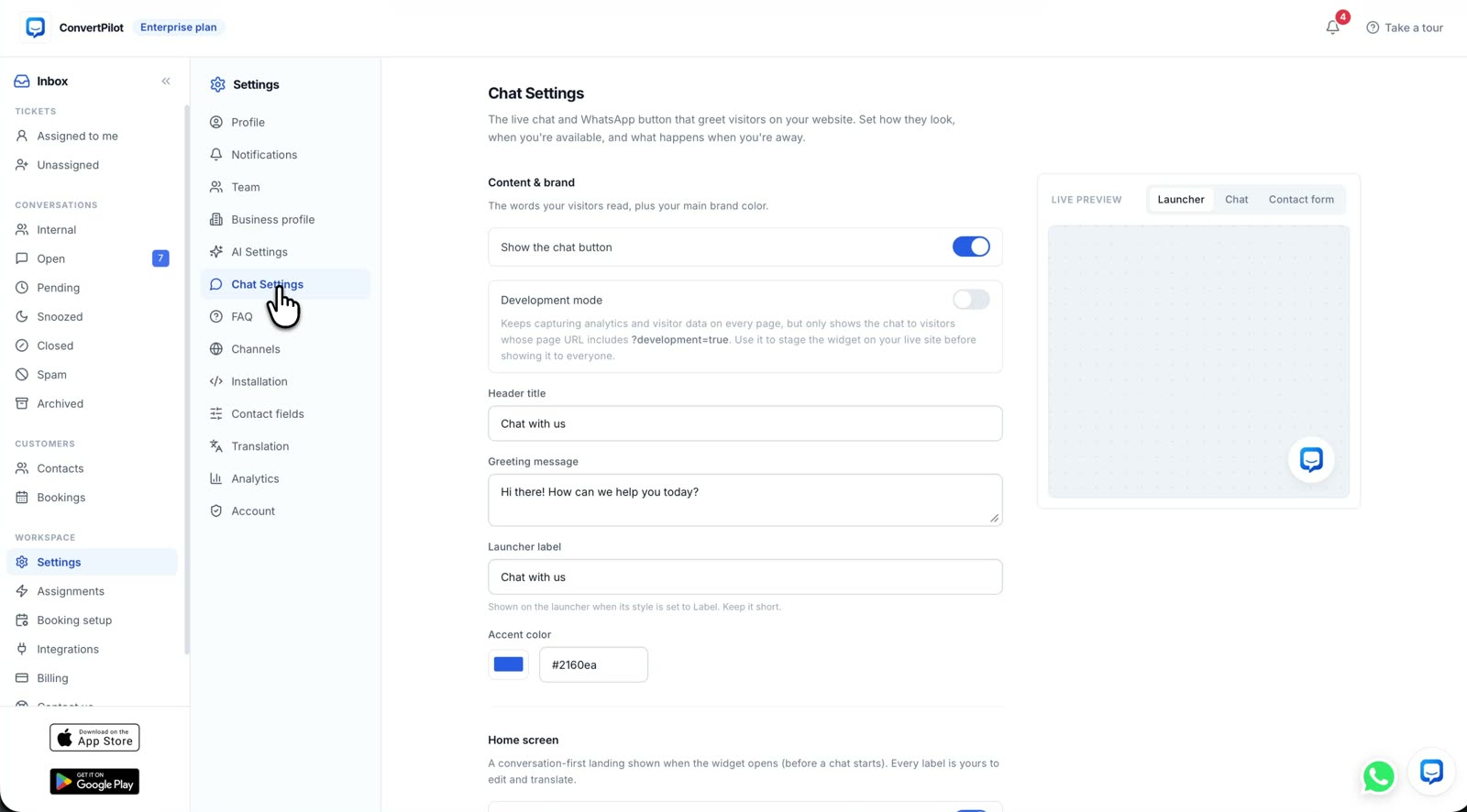
An AI chatbot for ecommerce should answer shopper questions from your actual store information, show when a product or order record supports its answer, and give a person the conversation when the answer needs judgement. Choose one by testing your own catalogue, an order you can verify, a current policy and a request for help. A friendly greeting is easy to demonstrate. Accurate answers on a changing storefront are the harder test.
This is a buying test for a Shopify or Wix store owner, not a ranking of tools by feature count. ConvertPilot is one candidate: its agent reads connected products and recent orders, uses the pages and Training rules you provide, and keeps the thread in a shared inbox. The same questions below work when you compare another provider. The test should end with a written reason to choose, change or reject the setup.
What should an AI chatbot for ecommerce answer?
Start with questions that cost your team time and have a checkable answer. A shopper asks whether a colour and size are in stock, where a parcel is, whether a return is allowed, or which item fits a stated need. These are different jobs. A product recommendation uses catalogue details; an order update needs a matched order; a return answer needs your current policy. One smooth reply does not prove the other three.
Write down the question exactly as a customer would ask it. Choose a product that is available and a variant that is sold out. Pick one fulfilled order and one that has not shipped. Keep your current returns and shipping pages open. You now have a small acceptance set with answers you can check, rather than a demo scripted by a vendor.
| Shopper test | Evidence the agent needs | A passing answer |
|---|---|---|
| Is the blue medium available? | The current product variant and stock state | Names the correct variant and does not offer a sold-out one |
| Where is my order? | A matched order and its recorded fulfilment or tracking state | Reports the recorded state without inventing a delivery date |
| Can I return this item? | The current returns policy and the purchase context | Explains the written rule and sends an exception to a person |
| Which jacket fits a wet commute? | Product details and the shopper’s stated need | Shows relevant products with checkable attributes and asks when facts are missing |
| Can I speak to someone? | An assigned inbox and the team’s online hours | Stops automated replies and gives a clear next step |
How do you check a product or order answer?
Ask from the published storefront, then compare the reply with the store admin or source page. A product card should match the name, image, variant and price on the live listing. An order answer should match the recorded fulfilment state and tracking details, if they exist. If the agent cannot match the order safely, it should ask for more information or send the case to your team. Do not give a point for a plausible sounding answer that has no source.
ConvertPilot’s Shopify connection and Wix connection describe the native store paths. On a custom site, the agent uses your pages and products you add. In ConvertPilot, open Why this reply beside the message to see the sources and rules it used. The order status guide goes deeper on the difference between a fulfilment state and a promised arrival date.
Which store facts and rules need to be written first?
A catalogue cannot explain every store policy. Check the pages for shipping, returns, exchanges, sizing and contact details before you connect an agent. If your site says one return window and your team uses another, fix that contradiction first. Then write Training entries for exact answers and boundaries: what to say when an order is not found, when a refund needs approval, and what the team will do after a customer asks for a person.
In ConvertPilot, Training holds answers, facts and custom instructions, while Why this reply shows what informed an AI message. The store Training guide offers a first list to write. A rule should not pretend the agent can read information that the store connection does not supply. If a carrier has not provided an arrival date, the rule should say what the team can check next, not instruct the agent to estimate one.
Buy the answer you can verify, not the sentence that sounds most confident.
When does the chatbot need a person?
Test a missing order, an unhappy customer and a request for a policy exception. The agent should not approve a refund, promise stock or decide a complaint outcome without the authority and facts your business has given it. Check what the customer sees while waiting and what the teammate sees when the thread arrives. A handoff counts only when a named person can reply with the earlier messages in view.
ConvertPilot pauses its agent when a teammate joins the shared inbox. Online hours and the away message tell customers when staff are available, while the agent can still answer supported questions. The features page shows the inbox, source trace and handoff together. Before choosing any tool, ask someone on your team to receive a test handoff on the device they actually use. That step exposes an unowned inbox faster than another demo call.
Which channels and plan fit the store?
Start with the channel where shoppers already ask these questions. Website live chat is a sensible first test on a page you control. If most enquiries arrive through Instagram or WhatsApp Business, check whether the same agent, sources and handoff work there, and who will monitor the shared inbox. In ConvertPilot, website live chat and email are on Free; WhatsApp Business, Messenger, Instagram and Telegram are on Premium and above. SMS is a separately scoped Custom service.
Compare the channel list and current plan table with the number of people who will answer, the conversation allowance and the channels you need. Do not buy a larger plan to solve a missing returns policy or an inbox nobody owns. Those are operating problems. Likewise, do not assume that a chat app connected to a CRM will automatically create a ticket or close a case unless that behaviour is documented and tested.
How do you run the launch test?
- Choose five real questions. Include product availability, an order, a policy, a recommendation and a human request.
- Record the correct source. Keep the matching product, order or page open so each reply can be checked.
- Install one channel. Publish the widget on a page you control and test it from desktop and phone.
- Inspect each answer. Compare the reply and its source trace with your record. Mark any unsupported claim as a failure.
- Receive a handoff. Ask for a person, confirm the agent stops and make a teammate answer from the inbox.
- Correct and repeat. Update the page, Training entry or ownership that caused a failure, then rerun the same question.
Run this test before adding every messaging channel. If the candidate passes on your published store, you have evidence for a small rollout. If it fails, you know whether the problem is the tool, the store data or a missing team process. For ConvertPilot, the Shopify setup walkthrough covers installation, and the product tour shows the controls you will inspect. Your next step is to test one real shopping question, not to trust a promise of automatic sales.