
A free AI chatbot for a small business is useful only if you know what happens when real customers use it. A trial that expires next week, a chat widget with no AI, and an agent that answers a limited number of messages are three different offers. ConvertPilot Free is the third: the agent works on website chat and email, with 50 customer messages in total before you need to upgrade. This guide explains what you can set up within that allowance and where its boundary sits.
We make ConvertPilot, so the plan details here are about our own product, not a ranking of other vendors. The live pricing page is the source to check before signing up. It lists Free at $0, with no card required to begin, and separates customer messages from AI replies. That separation matters more than the price tag.
What does the free AI chatbot include?
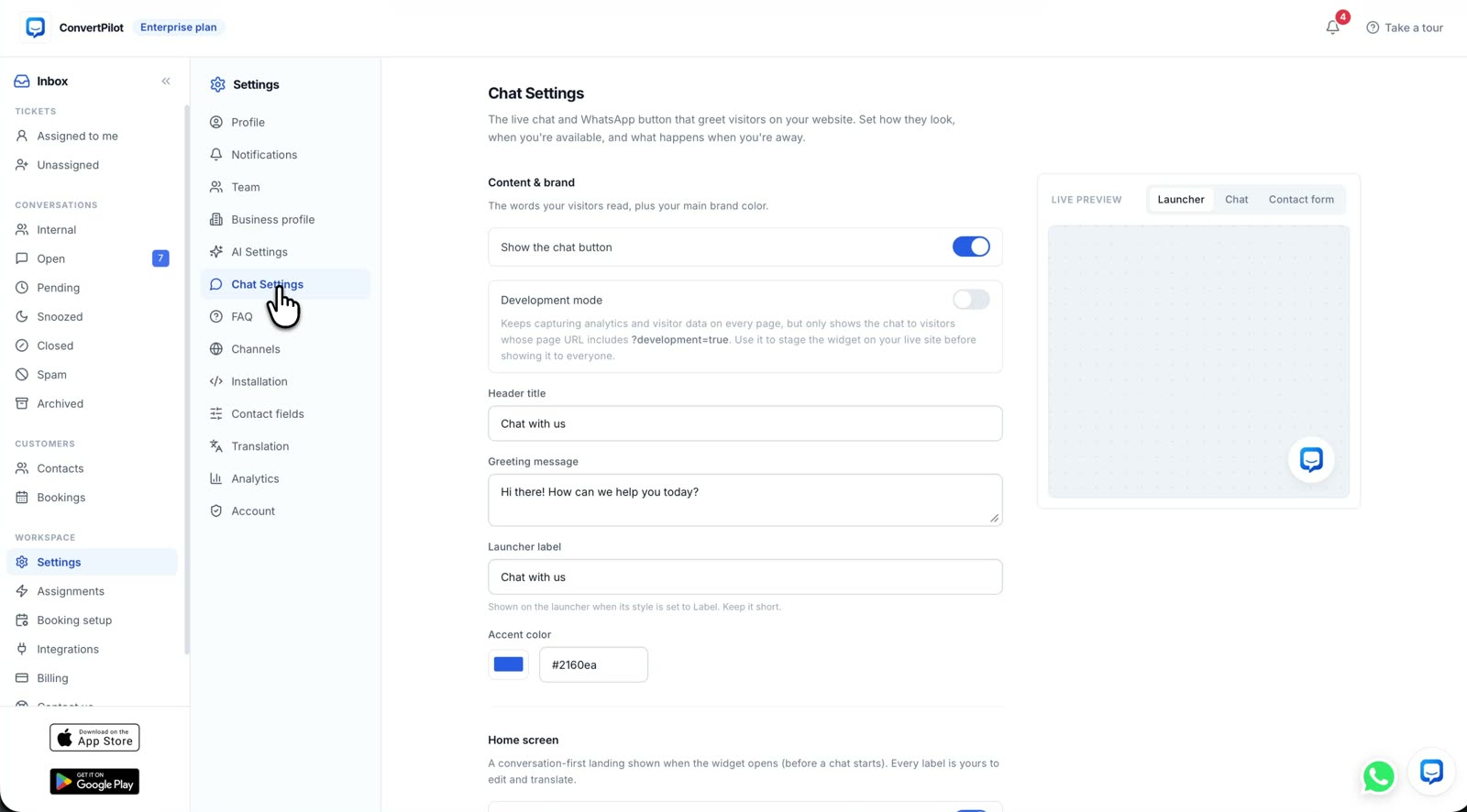
Free gives a small team the agent and the inbox, not a stripped-down rule-based bot. The agent can answer from your website pages, products, orders and the facts and instructions you add in Training. Website live chat and the email inbox are included, as are Online hours, human handoff, the FAQ section, a customisable widget, contact profiles and the Why this reply trace for each AI answer. The plan includes five team seats and the iOS and Android apps.
If you take appointments, bookings with Stripe payments are included too. If you sell through Shopify, the Shopify install page explains how the store connection gives the agent product and order data. Your first setup should still be small: connect one site, write down your returns and delivery rules, and ask the agent the questions your own customers ask. The Training guide shows how to turn those answers into reliable sources.
Free is a working agent with a lifetime customer-message cap. The cap is on messages arriving from customers, not on the number of days since you signed up.
How do the two 50-message limits work?
The plan table uses two rows that sound alike. One is customer messages included: 50 lifetime on Free. The other is AI replies per 30 days: 50 on Free. A customer message is what arrives through website chat or email. An AI reply is one message the agent sends back. A team member’s reply does not count as an AI reply.
| Allowance | Free plan rule | Practical meaning |
|---|---|---|
| Customer messages | 50 total, lifetime | The first 50 incoming customer messages are accepted across website chat and email. The allowance does not renew next month. |
| AI replies | 50 per rolling 30 days | The agent can send up to 50 replies in that window. Staff replies do not use this allowance. |
| Team seats | 5 | Several people can review the inbox and take a handoff without buying a seat first. |
These are different counters. One customer can send several messages in a conversation, and the agent might answer more than once. The lifetime customer-message cap can therefore be reached before a calendar month ends, even if the rolling AI reply allowance has not been used. Do not plan a permanent support channel around the idea that 50 new customer messages arrive every month on Free. They do not.
What happens when you reach a limit?
If the agent reaches its AI reply allowance, it stops replying on its own and conversations wait for your team in the inbox. Your team can still answer. If the Free workspace reaches its lifetime 50 customer messages, new customer messages are not taken in until you move to a paid plan. Messages already in the inbox stay there, and the pricing FAQ says you receive an email with the upgrade link.
That second boundary is the one to think about before you put the widget on every page. If a customer expects an answer, you need someone watching the inbox and a plan for when the Free allowance runs out. Set Online hours and a handoff rule before inviting traffic. The mobile app lets your team see conversations away from a desk, but it does not change either quota.
What should you set up before the first customer message?
Use the first few conversations as a test of your information, not as a test of whether the agent can improvise. A short setup prevents the agent from answering confidently from a page that is out of date.
- Check the pages it will read. Review delivery, returns, sizing, opening hours and contact information. Correct the source page before trying to correct the agent.
- Add exact answers in Training. Write the questions that must be answered one way, and the facts that are missing from your site. State when the agent should ask a person.
- Set Online hours and handoff. Decide who will take a conversation when the agent cannot read an order or when a customer wants a person.
- Run a real test. Ask about a product, an order and a policy. Open Why this reply to check the sources and rules behind each answer.
- Watch the allowance. Read the counts on the plan page and decide who will upgrade when incoming messages approach the lifetime cap.
This setup is useful even if you later move to a higher plan. The features page shows the inbox, Training and handoff together. For a comparison of the different meanings of “free” across website chat products, see our website chatbot comparison; check each vendor’s own pricing page before relying on any comparison figure.
What is not on Free, and when should you upgrade?
WhatsApp, Messenger, Instagram and Telegram are on Premium, not Free. The analytics dashboard and the listed CRM and marketing integrations are on Premium too. SMS is reserved for a scoped Custom plan. If most customer questions arrive through Instagram or WhatsApp, Free website chat will not solve that channel problem.
Stay on Free while you are testing answers and handling a small number of conversations through website chat or email. Move to a paid plan before the lifetime message cap becomes a service interruption. Plus removes the cap on incoming customer messages and includes 250 AI replies per rolling 30 days; Premium adds the extra channels. The current allowances, billing details and upgrade behaviour are on pricing. Choose the plan for the channel and message volume you actually need, not for a feature list you may never use.